One of the most common questions North Texas homeowners ask is simple but important: what temperature should I set my AC to in summer? Set it too low and your cooling bills skyrocket; set it too high and your home gets uncomfortable and humid. This guide covers the best AC temperature settings for North Texas summers — the ideal setpoints, setback strategies, and small adjustments that cut cooling costs without sacrificing comfort.
The Short Answer: 78°F When You're Home
The U.S. Department of Energy and most HVAC professionals recommend setting your AC to 78°F when you're home and awake in summer. That's the sweet spot — warm enough to save significant energy, cool enough to stay comfortable for most people.
Here's the math: each degree below 78°F increases cooling energy use by roughly 3–6%. Dropping from 78°F to 72°F can raise your cooling costs by 18–36% — a meaningful difference on a North Texas summer bill.
The Recommended Setpoint Schedule
A smart, energy-efficient thermostat schedule for a North Texas summer:
| Time / Situation | Recommended Setting | |------------------|---------------------| | Home and awake | 78°F | | Away at work | 85°F | | Sleeping | 75–78°F (with ceiling fans) | | Away for 8+ hours | 85–88°F | | Extended vacation | 85°F (don't turn AC off) |
Why 78°F Works in North Texas
78°F feels comfortable to most people dressed in light summer clothing, especially with air circulation from ceiling fans. It also allows the AC to run long enough to dehumidify — a critical factor in North Texas's humid climate. Setting the AC colder than necessary often causes short-cycling, which cools the air but leaves it clammy because the system never runs long enough to pull moisture out.
The Humidity Factor
North Texas humidity is the hidden comfort variable. 78°F at 45% relative humidity feels comfortable; 78°F at 65% humidity feels sticky. A properly sized AC that runs long enough dehumidifies effectively. An oversized system that short-cycles doesn't. If your home feels clammy at 78°F, your system may be oversized — see our troubleshooting guide.
The "Don't Turn It Off" Rule
A common mistake is turning the AC off entirely when leaving for the day, thinking it saves energy. It usually doesn't — and it can cost more. Here's why:
When the AC is off, your home's temperature and humidity climb. By late afternoon, indoor humidity can hit 70%+, and your home absorbs heat in walls, floors, and furniture. When you return and turn the AC on, it has to remove all that stored heat and moisture — running hard for hours and struggling to catch up. Setting the thermostat to 85°F while away keeps humidity controlled and gives the system a manageable recovery load. It's almost always cheaper than turning the system off.
Ceiling Fans: The Comfort Multiplier
Ceiling fans don't cool air — they cool people by creating a wind-chill effect. A fan lets you set the thermostat 3–4°F higher and feel just as comfortable, which can cut cooling costs by 10–15%.
- Run ceiling fans only in occupied rooms (fans cool people, not rooms)
- Set fan direction to counterclockwise in summer for a downward breeze
- Turn fans off when you leave a room
Setback Strategy: How Much Can You Raise It?
A setback is the temperature increase when you're away or asleep. The bigger the setback, the more you save — but there's a limit:
- 8+ hours away: a 7–10°F setback (78°F → 85–88°F) is ideal
- Sleeping: a 2–3°F setback (78°F → 75°F) with fans is comfortable for most
- Short errands (1–2 hours): don't bother changing the setpoint — the recovery cost negates the savings
The rule of thumb: a setback only saves energy if it lasts long enough for the home to actually reach the higher temperature and stay there for a while. Short setbacks cost more in recovery than they save.
Smart Thermostats Make It Automatic
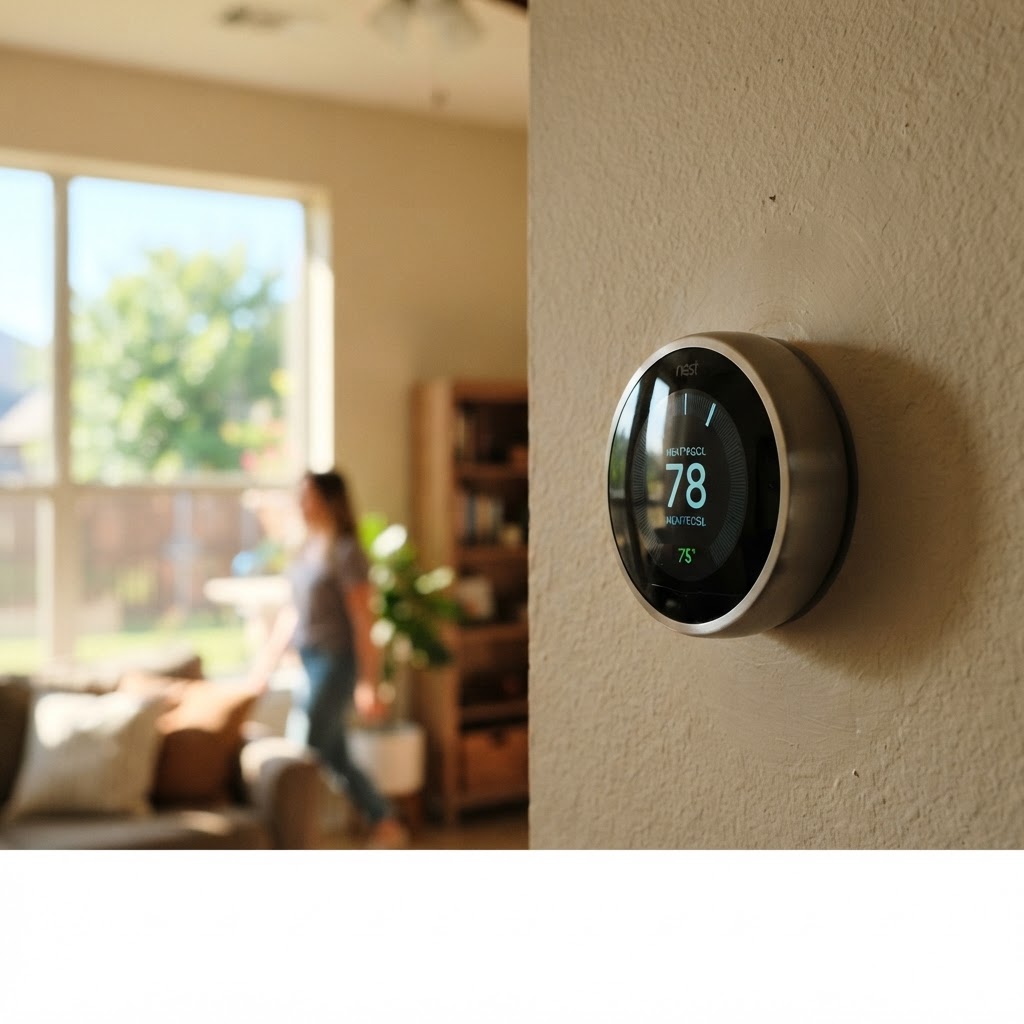
The challenge with setbacks is remembering to do them — and the recovery timing. A smart thermostat automates everything:
- Learns your schedule and adjusts automatically
- Geofencing raises the setpoint when you leave and lowers it before you return
- Optimizes recovery so the home is comfortable when you walk in
- Tracks energy use and flags inefficiency
- Some models integrate humidity and weather data
North Texas homeowners save 10–23% on cooling with a properly programmed smart thermostat, per industry studies.
Other Ways to Cut Cooling Costs
Beyond thermostat settings:
- Replace the air filter every 30–60 days — a clogged filter wastes 5–15% efficiency. See our filter guide.
- Schedule annual maintenance — a tuned system runs up to 25% more efficiently. Read our maintenance checklist.
- Use blinds and curtains on west- and south-facing windows during peak sun
- Seal air leaks around windows and doors with weatherstripping
- Add attic insulation to R-38+ if yours is below R-30
- Use heat-generating appliances (oven, dryer) in the evening or early morning
- Keep the outdoor condenser shaded and clear — 2 feet of clearance
Serving North Texas Homeowners
AIRmazing serves homeowners across North Texas — including Dallas, Frisco, Plano, McKinney, Denton, and the entire DFW metroplex.
Want Help Optimizing Your Cooling?
If your AC struggles to hold 78°F on hot days, or your bills seem high, the issue may be maintenance, sizing, or ductwork — not your thermostat. Book a service call or call (214) 555-5555. Our NATE-certified technicians will find the real cause and get your comfort and efficiency back on track.